



Products

Chrome Extension

Minimal New Tab

A calmer new tab for keeping favorite sites organized, synced, and easy to move.

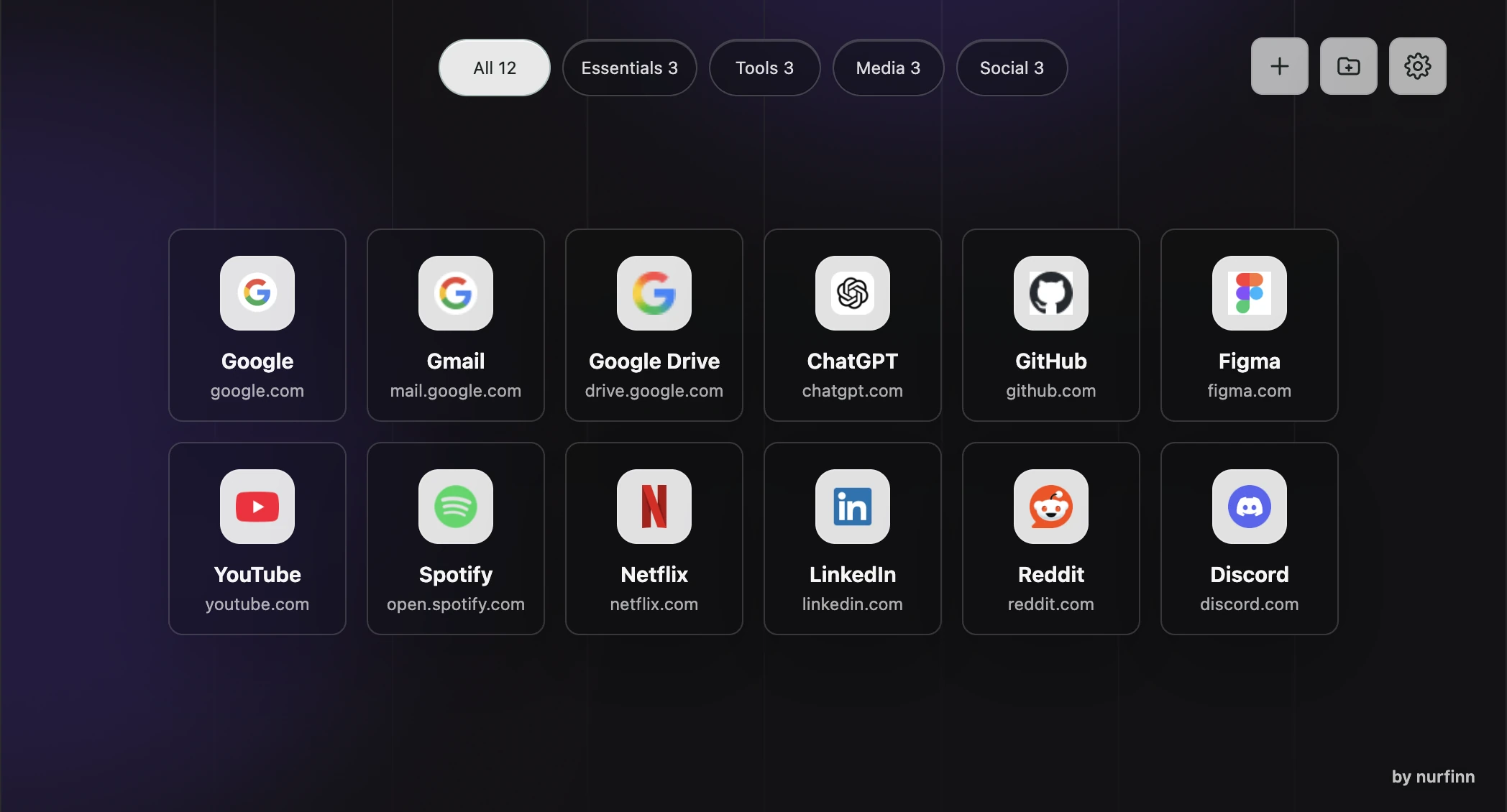
Minimal New Tab organizing favorite sites into folders on a custom dark background.

Overview

Minimal New Tab replaces Chrome's default new tab page with a quiet home for favorite sites. Folders keep work, learning, tools, entertainment, and individual projects separate without filling the page with widgets.

The interface automatically follows Chrome's language in Russian and English. The goal stays the same in either language: open a new tab and find what you need without noise.

Why I built it

I like when everything has its place.

Before building this extension, I used different browsers to separate work, entertainment, and personal interests. It worked, but it felt like a workaround. I wanted one clean place organized around the way I actually think and work.

The problem

Bookmarks and new tab dashboards become crowded quickly. Links from unrelated parts of life mix together, while clocks, weather, notes, and other widgets compete for attention.

There is also a practical privacy problem during calls and screen sharing. Opening the browser can reveal unrelated bookmarks or personal links when only one project context matters.

Moving a carefully organized setup to another browser can be awkward, and a missing icon or damaged setting should never make the whole page feel broken.

The solution

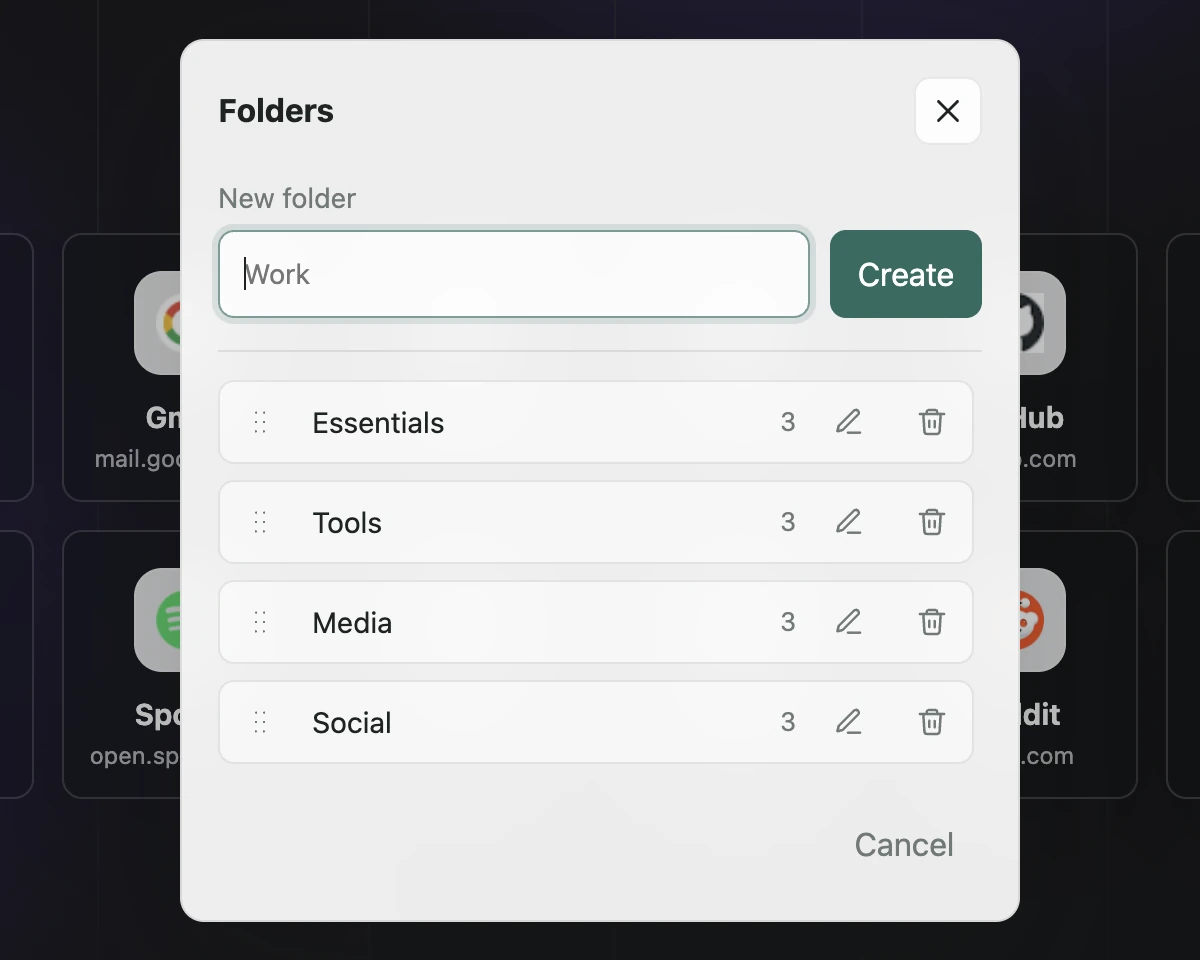
Minimal New Tab organizes sites into folders that can be reordered as priorities change. Long folder rows remain easy to navigate, so the structure still works when the number of projects grows.

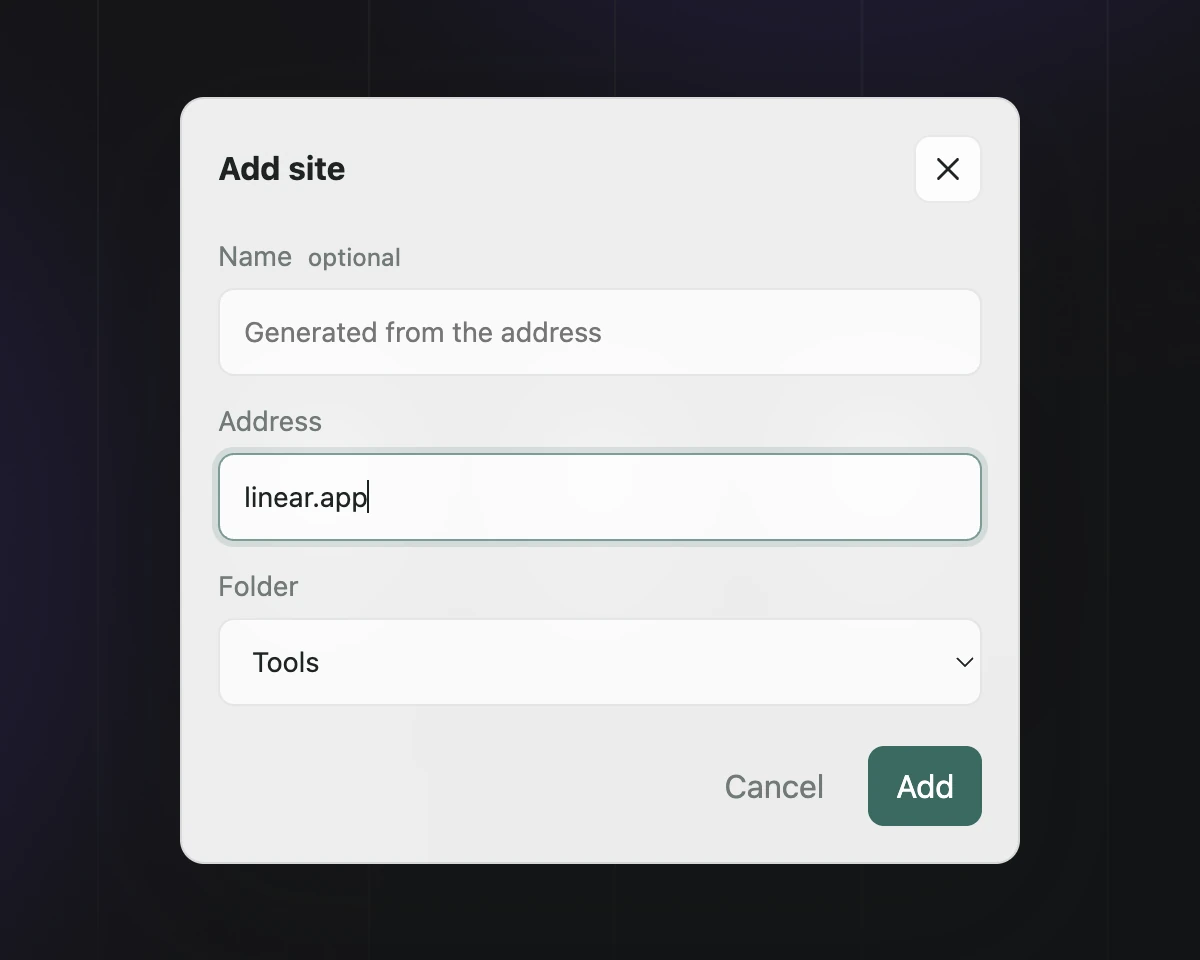
Adding a site is deliberately forgiving. You can paste github.com without typing a scheme; the extension turns it into a valid address, suggests a readable name locally from the URL without reading the page, and finds a suitable icon. When no icon is available, a clean letter fallback keeps the grid consistent.

Sites, folders, their order, and lightweight preferences can follow you through Chrome Sync. A custom background stays only on the current device. A manual JSON backup makes it possible to move or restore the organized setup without sending it to a server.

Who it is for

Minimal New Tab is for people who use the browser as a serious workspace: people who move between projects, learn continuously, use many services, and prefer focused interfaces over crowded dashboards.

Key features

  • Create, rename, reorder, and remove folders for different areas of work and life.
  • Add a site from a familiar address, even when https:// is missing.
  • Generate a readable site name locally without accessing the page itself.
  • Load site icons reliably, with a letter fallback when no favicon is available.
  • Keep Google Sheets recognizable with its own icon instead of a generic Google mark.
  • Keep large folder collections accessible with improved horizontal scrolling.
  • Follow Chrome's interface language automatically in Russian and English.
  • Sync sites, folders, their order, and lightweight preferences through Chrome Sync.
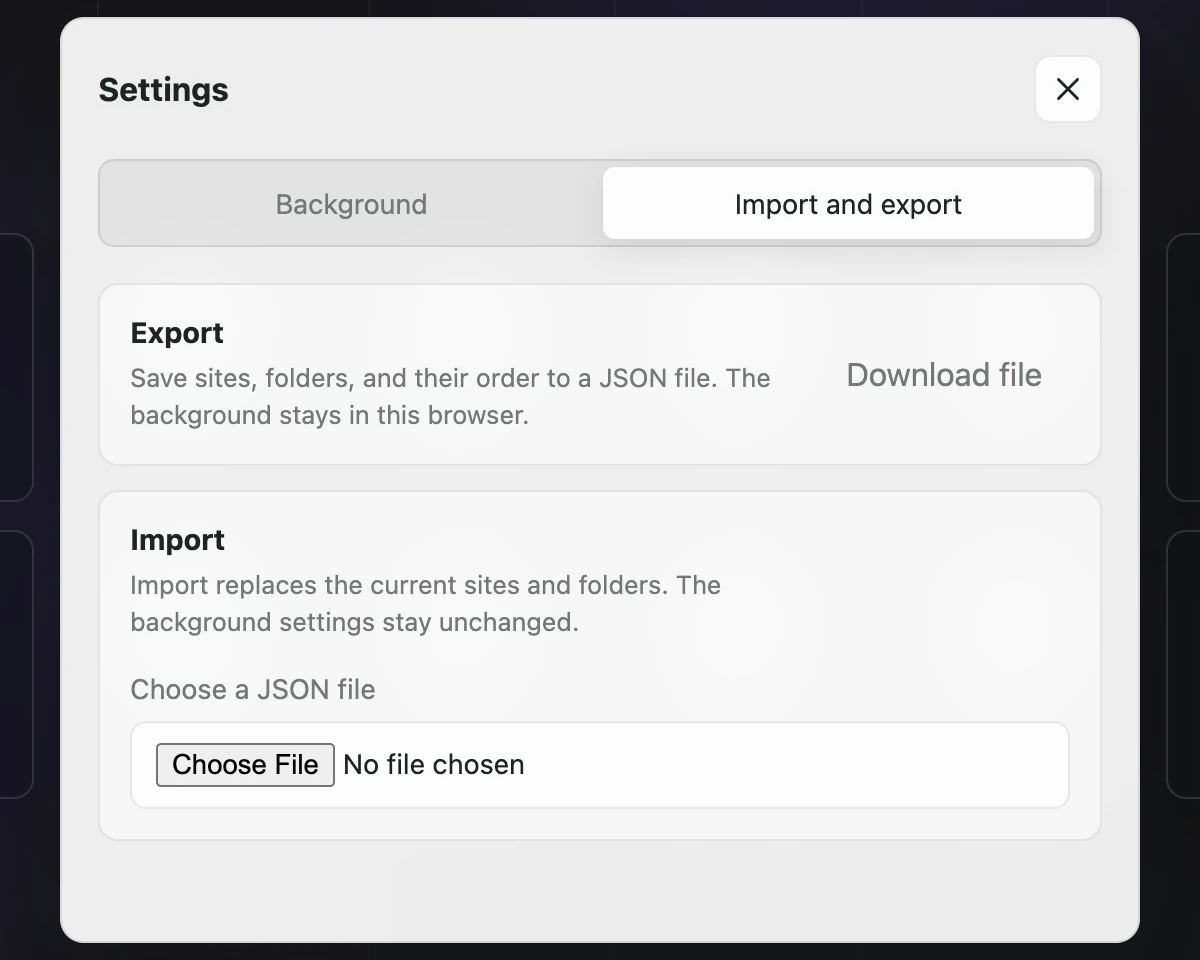
  • Export and import sites, folders, and their order with a JSON backup.
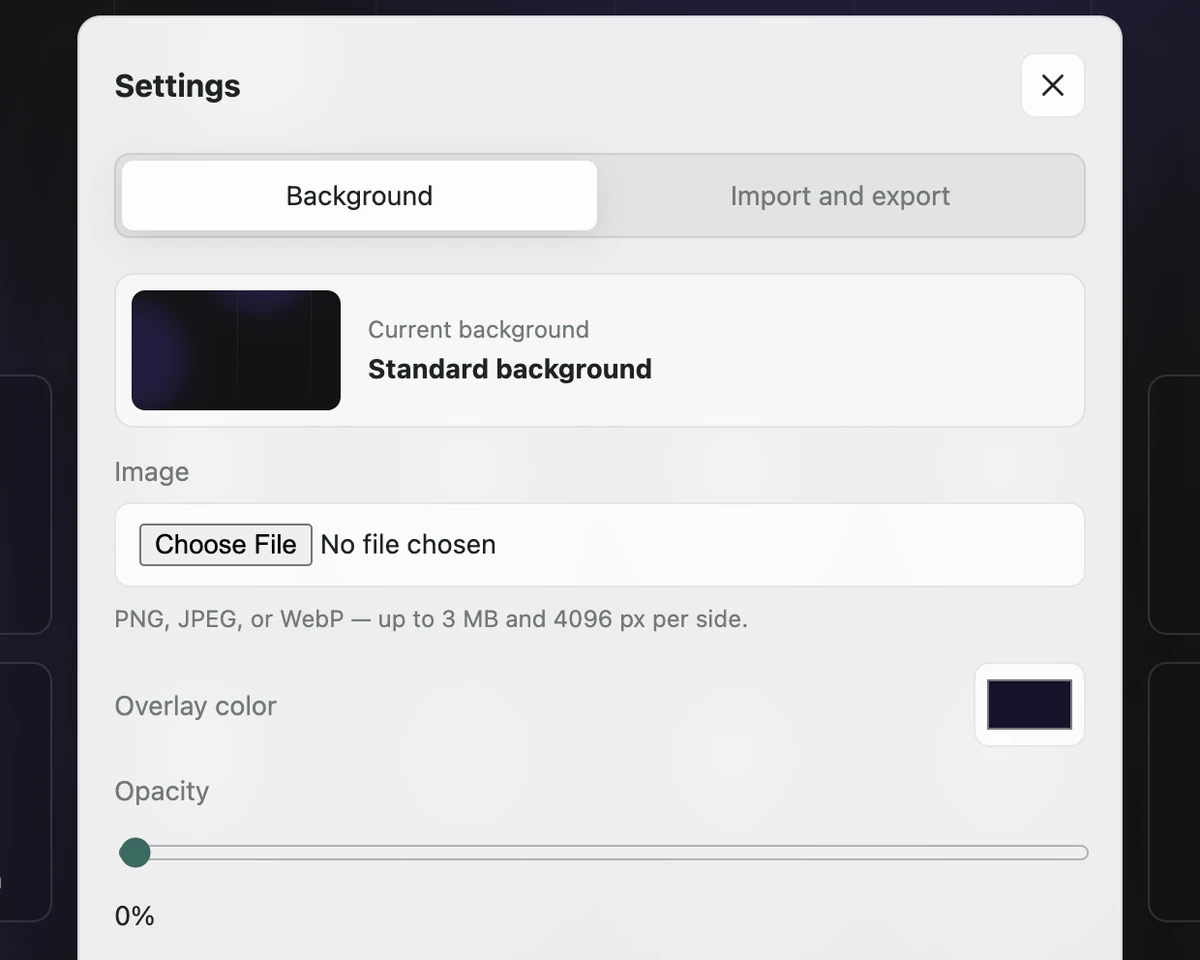
  • Choose a custom background that remains on the current device.
  • Check background images before use, with a limit of 5 MB and 10,000 pixels on either side.
  • Preserve the current background when a new image is invalid or unavailable.
  • Fall back to the standard background if a local image is missing.
  • Carry existing sites, folders, and settings forward when updating from an earlier version.
  • Recover the last valid setup if settings are damaged or a write is interrupted.

Screenshots

Minimal New Tab displaying a long row of folders with the Analytics folder selected.

Folders remain easy to reach as the collection grows.

Background settings for choosing an image, overlay color, and opacity.

A custom background stays on the current device and is checked before it replaces the current one.

Import and export settings for moving sites and folders with a JSON file.

Export and import provide a deliberate, manual way to carry the setup between browsers.

Add site dialog with an optional name, github.com address, and folder selection.

Paste a familiar address, choose a folder, and let the extension handle the rest.

Future ideas

Future work will stay deliberately narrow. Any addition should make organizing, moving, or recovering a setup clearer without turning the new tab page into another dashboard.

Tech stack

Minimal New Tab is a Manifest V3 Chrome extension built with plain HTML, CSS, and JavaScript modules. Sites, folders, their order, and lightweight settings use Chrome Sync; custom background images stay in local Chrome storage.

Site icons come from Chrome's favicon API first, with Google's favicon service as a fallback. Favicons and custom backgrounds are not added to Chrome Sync. The extension only asks for storage and favicon permissions. It has no backend, accounts, OAuth, analytics, advertising, or remote code.

Final thought

I built this because I wanted a calmer browser that still feels like mine.

Privacy Policy